
Claude Code
The easiest way to write code
The easiest way to write code

OpenAI's coding agent for cloud, terminal, and IDE workflows

The AI that actually does things.

The AI-powered search engine

AI answer engine and pair programmer

Usage-based cloud hosting for apps, databases, and internal tooling

AI answer engine and pair programmer
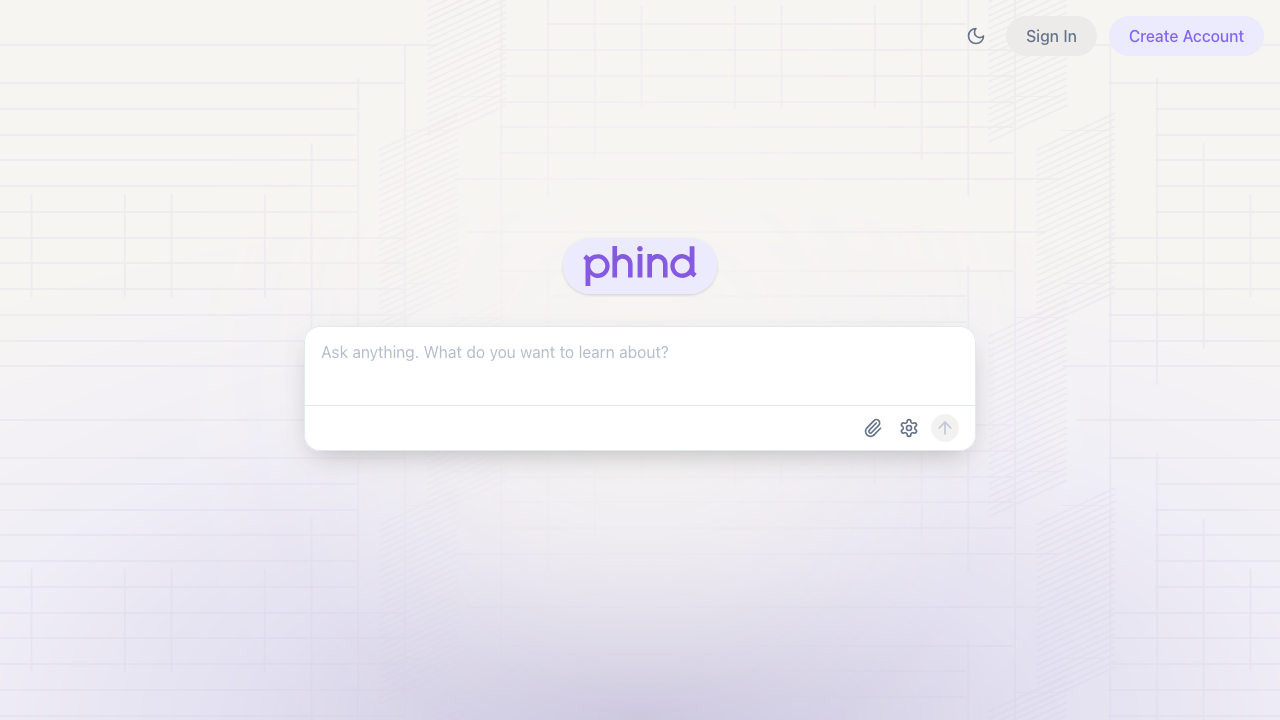
Phind is an AI answer engine that rapidly creates mini-apps to answer and visualize your questions. It also works as an AI pair programmer for debugging, planning, and shipping software faster.
Phind is an AI answer engine designed for fast technical problem solving. Its core idea is simple: ask a question, get a direct answer, and when useful, get a mini-app that helps you visualize the result.
Compared with Perplexity, Phind is more explicitly tuned for developer workflows where the answer often needs to lead into code, debugging, or implementation decisions.
That makes Phind useful in two modes:
Phind is an AI-first search experience focused on developer questions. Instead of only listing links, it returns synthesized answers and practical outputs you can use immediately.
From Phind's description: it is an AI answer engine that rapidly creates mini-apps to answer and visualize your questions.
In practice, that places it somewhere between a research tool and an agentic coding assistant like Claude Code: faster than manual search, but still oriented around helping you build or fix something.
Used as a pair programmer, Phind can help you move from "what's broken" to "here's a fix" quickly.
Typical workflow:
This works especially well when you give concrete inputs: error messages, environment details, and snippets.
Pros:
Cons:
Phind is a strong choice if you want one tool for AI search plus pair-programming support. Its blend of direct answers, coding guidance, and mini-app visualization makes it especially useful for developers who need to research, build, and iterate quickly.
Might contain affiliate links
Might contain affiliate links
Phind is an AI answer engine that rapidly creates mini-apps to answer and visualize your questions. It also works as an AI pair programmer for debugging, planning, and shipping software faster.
AI answer engine and pair programmer
Phind is an AI answer engine that rapidly creates mini-apps to answer and visualize your questions. It also works as an AI pair programmer for debugging, planning, and shipping software faster.
Perplexity is a search engine that uses AI to answer questions and help you find information.
The AI-powered search engine
Perplexity is a search engine that uses AI to answer questions and help you find information.
OpenClaw is the AI that actually does things. Clears your inbox, sends emails, manages your calendar, checks you in for flights. All from WhatsApp, Telegram, or any chat app you already use.
The AI that actually does things.
OpenClaw is the AI that actually does things. Clears your inbox, sends emails, manages your calendar, checks you in for flights. All from WhatsApp, Telegram, or any chat app you already use.
Claude Code is Anthropic's agentic coding tool that lives in your terminal. It can edit files, run commands, search your codebase, and manage git workflows — all through natural language. Built on Claude's intelligence, it turns your CLI into a full-stack coding partner.
The easiest way to write code
Claude Code is Anthropic's agentic coding tool that lives in your terminal. It can edit files, run commands, search your codebase, and manage git workflows — all through natural language. Built on Claude's intelligence, it turns your CLI into a full-stack coding partner.
OpenAI Codex is a software engineering agent that can work asynchronously in the cloud, pair with you in the terminal, and plug into your IDE. It is built for repo-aware coding, testing, review, and task delegation.
OpenAI's coding agent for cloud, terminal, and IDE workflows
OpenAI Codex is a software engineering agent that can work asynchronously in the cloud, pair with you in the terminal, and plug into your IDE. It is built for repo-aware coding, testing, review, and task delegation.
Railway is a developer-focused cloud platform for deploying apps, databases, static sites, and background workers with fast setup, built-in networking, observability, templates, and per-second usage billing.
Usage-based cloud hosting for apps, databases, and internal tooling
Railway is a developer-focused cloud platform for deploying apps, databases, static sites, and background workers with fast setup, built-in networking, observability, templates, and per-second usage billing.
Claude Code is Anthropic's agentic coding tool that lives in your terminal. It can edit files, run commands, search your codebase, and manage git workflows — all through natural language. Built on Claude's intelligence, it turns your CLI into a full-stack coding partner.
The easiest way to write code
Claude Code is Anthropic's agentic coding tool that lives in your terminal. It can edit files, run commands, search your codebase, and manage git workflows — all through natural language. Built on Claude's intelligence, it turns your CLI into a full-stack coding partner.
OpenAI Codex is a software engineering agent that can work asynchronously in the cloud, pair with you in the terminal, and plug into your IDE. It is built for repo-aware coding, testing, review, and task delegation.
OpenAI's coding agent for cloud, terminal, and IDE workflows
OpenAI Codex is a software engineering agent that can work asynchronously in the cloud, pair with you in the terminal, and plug into your IDE. It is built for repo-aware coding, testing, review, and task delegation.
OpenClaw is the AI that actually does things. Clears your inbox, sends emails, manages your calendar, checks you in for flights. All from WhatsApp, Telegram, or any chat app you already use.
The AI that actually does things.
OpenClaw is the AI that actually does things. Clears your inbox, sends emails, manages your calendar, checks you in for flights. All from WhatsApp, Telegram, or any chat app you already use.
Perplexity is a search engine that uses AI to answer questions and help you find information.
The AI-powered search engine
Perplexity is a search engine that uses AI to answer questions and help you find information.
Railway is a developer-focused cloud platform for deploying apps, databases, static sites, and background workers with fast setup, built-in networking, observability, templates, and per-second usage billing.
Usage-based cloud hosting for apps, databases, and internal tooling
Railway is a developer-focused cloud platform for deploying apps, databases, static sites, and background workers with fast setup, built-in networking, observability, templates, and per-second usage billing.
Claude Code is Anthropic's agentic coding tool that lives in your terminal. It can edit files, run commands, search your codebase, and manage git workflows — all through natural language. Built on Claude's intelligence, it turns your CLI into a full-stack coding partner.
The easiest way to write code
Claude Code is Anthropic's agentic coding tool that lives in your terminal. It can edit files, run commands, search your codebase, and manage git workflows — all through natural language. Built on Claude's intelligence, it turns your CLI into a full-stack coding partner.
OpenAI Codex is a software engineering agent that can work asynchronously in the cloud, pair with you in the terminal, and plug into your IDE. It is built for repo-aware coding, testing, review, and task delegation.
OpenAI's coding agent for cloud, terminal, and IDE workflows
OpenAI Codex is a software engineering agent that can work asynchronously in the cloud, pair with you in the terminal, and plug into your IDE. It is built for repo-aware coding, testing, review, and task delegation.
OpenClaw is the AI that actually does things. Clears your inbox, sends emails, manages your calendar, checks you in for flights. All from WhatsApp, Telegram, or any chat app you already use.
The AI that actually does things.
OpenClaw is the AI that actually does things. Clears your inbox, sends emails, manages your calendar, checks you in for flights. All from WhatsApp, Telegram, or any chat app you already use.
Railway is a developer-focused cloud platform for deploying apps, databases, static sites, and background workers with fast setup, built-in networking, observability, templates, and per-second usage billing.
Usage-based cloud hosting for apps, databases, and internal tooling
Railway is a developer-focused cloud platform for deploying apps, databases, static sites, and background workers with fast setup, built-in networking, observability, templates, and per-second usage billing.
OpenAI Codex is a software engineering agent that can work asynchronously in the cloud, pair with you in the terminal, and plug into your IDE. It is built for repo-aware coding, testing, review, and task delegation.
OpenAI's coding agent for cloud, terminal, and IDE workflows
OpenAI Codex is a software engineering agent that can work asynchronously in the cloud, pair with you in the terminal, and plug into your IDE. It is built for repo-aware coding, testing, review, and task delegation.
OpenClaw is the AI that actually does things. Clears your inbox, sends emails, manages your calendar, checks you in for flights. All from WhatsApp, Telegram, or any chat app you already use.
The AI that actually does things.
OpenClaw is the AI that actually does things. Clears your inbox, sends emails, manages your calendar, checks you in for flights. All from WhatsApp, Telegram, or any chat app you already use.
Perplexity is a search engine that uses AI to answer questions and help you find information.
The AI-powered search engine
Perplexity is a search engine that uses AI to answer questions and help you find information.
Discover how skills.sh is revolutionizing AI-assisted development with reusable capabilities that extend LLMs beyond their training data, making vibe coding more powerful and accessible than ever.
If you need cheap AI coding hosting for an AI-built app, Railway is one of the best places to run the backend, workers, databases, and internal services without building a full DevOps stack first.
Boris, the creator of Claude Code, shared his personal setup and 13 best practices for getting the most out of Claude Code. Here's everything he revealed.