
Claude Code
The easiest way to write code
The easiest way to write code

OpenAI's coding agent for cloud, terminal, and IDE workflows

The AI that actually does things.

The AI-powered search engine

AI answer engine and pair programmer

Usage-based cloud hosting for apps, databases, and internal tooling

The easiest way to write code
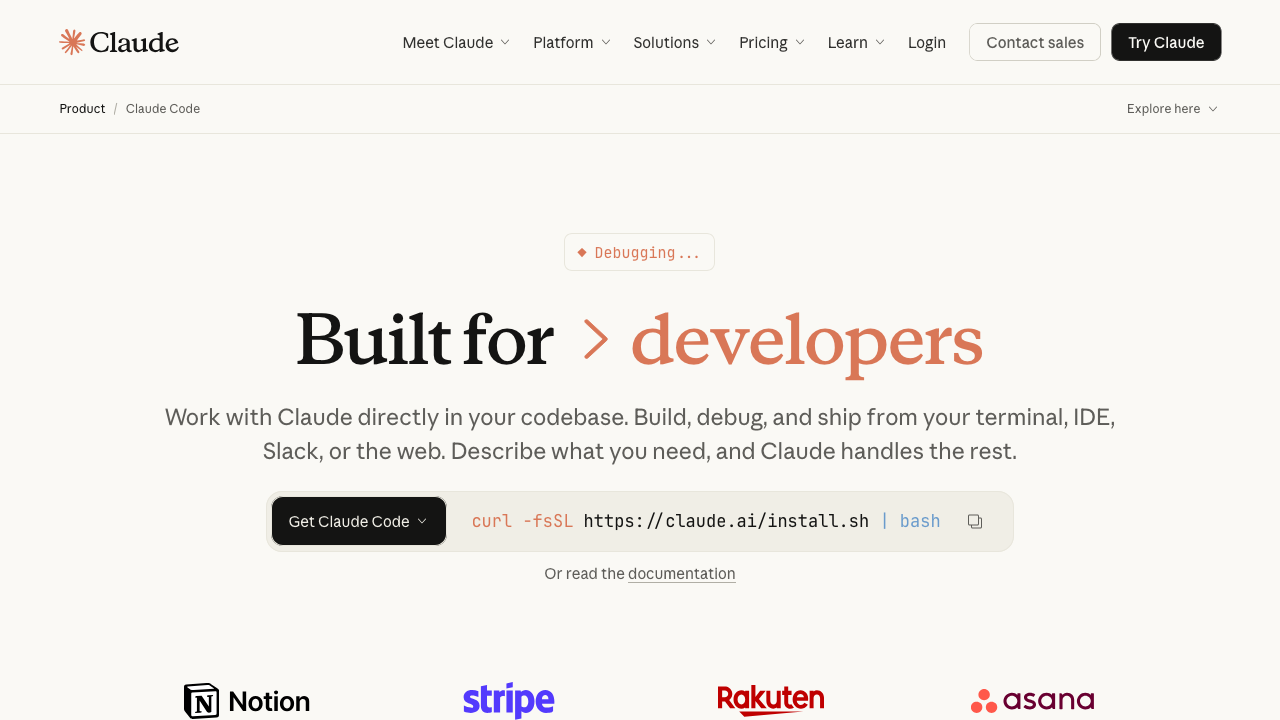
Claude Code is Anthropic's agentic coding tool that lives in your terminal. It can edit files, run commands, search your codebase, and manage git workflows — all through natural language. Built on Claude's intelligence, it turns your CLI into a full-stack coding partner.
* Indicates that the data is from GitHub. Updated on
Claude Code is Anthropic's agentic coding assistant that runs directly in your terminal. Instead of tab-completing single lines, it understands your entire codebase and can autonomously plan, write, test, and commit code — making it one of the most capable AI coding tools available today.
Many teams use it after doing initial research in tools like Phind or Perplexity. Those tools help gather context; Claude Code is where that context turns into edits, commands, tests, and commits.
Claude Code is a command-line tool that gives you a conversational interface to Claude, purpose-built for software engineering. You describe what you want in plain English and it figures out the rest: reading files, editing code across multiple files, running tests, fixing errors, and managing git operations.
Unlike IDE-based assistants that work at the line or function level, Claude Code operates at the project level. It can reason about architecture, refactor entire modules, and iterate on its own output until things work. It's open-source, runs locally, and connects directly to the Anthropic API (or through a Claude Pro/Max subscription).
If you're comfortable in the terminal and want AI that goes far beyond autocomplete, Claude Code is worth trying.
npm install -g @anthropic-ai/claude-code to install globallyclaude to launch an interactive sessionClaude Code uses an agentic loop: it can chain multiple actions together (read → edit → run tests → fix errors → commit) without you having to prompt each step individually.
Claude Code doesn't just suggest code — it acts. It can autonomously:
This makes it effective for tasks like "add a REST endpoint with tests" where multiple files need to change in coordination.
Claude Code can edit multiple files in a single session. It understands how files relate to each other — imports, exports, type definitions, tests — and keeps changes consistent across your codebase.
Because it runs in your terminal, Claude Code fits naturally into existing workflows:
That also makes it a clean match for deployment platforms like Railway when you want a short loop from local change to live service.
Claude Code understands git natively and can handle version control tasks:
Claude Code supports the Model Context Protocol (MCP), allowing it to connect with external tools and data sources:
For complex tasks, Claude Code can use extended thinking to reason through problems step by step before acting:
Claude Code has a low barrier to entry — if you can use a terminal, you can use Claude Code. The conversational interface means you don't need to learn new keybindings, memorize slash commands, or configure anything upfront.
That said, getting the most out of it takes practice. Learning how to write effective prompts, when to use CLAUDE.md files to provide project context, and how to configure permission modes for autonomous operation all improve the experience significantly. Power users who master these patterns find Claude Code dramatically faster than traditional development.
Claude Code works with the tools you already use:
If your workflow includes rapid deploys after code generation, pairing Claude Code with Railway gives you a practical repo-to-production path without adding much infrastructure overhead.
Free for everyone.
$0.00 / month
For everyday productivity
$20.00 / month
Get the most out of Claude
$100.00 / month
Pros:
Cons:
Claude Code is the most capable agentic coding tool available right now. Its ability to reason about entire projects, chain actions together, and iterate until things work makes it genuinely useful for real software engineering — not just autocomplete with extra steps. If you spend most of your time in the terminal and want an AI assistant that can keep up with complex, multi-file tasks, Claude Code is the best option in its class.
Might contain affiliate links
Might contain affiliate links
Claude Code is Anthropic's agentic coding tool that lives in your terminal. It can edit files, run commands, search your codebase, and manage git workflows — all through natural language. Built on Claude's intelligence, it turns your CLI into a full-stack coding partner.
The easiest way to write code
Claude Code is Anthropic's agentic coding tool that lives in your terminal. It can edit files, run commands, search your codebase, and manage git workflows — all through natural language. Built on Claude's intelligence, it turns your CLI into a full-stack coding partner.
OpenAI Codex is a software engineering agent that can work asynchronously in the cloud, pair with you in the terminal, and plug into your IDE. It is built for repo-aware coding, testing, review, and task delegation.
OpenAI's coding agent for cloud, terminal, and IDE workflows
OpenAI Codex is a software engineering agent that can work asynchronously in the cloud, pair with you in the terminal, and plug into your IDE. It is built for repo-aware coding, testing, review, and task delegation.
OpenClaw is the AI that actually does things. Clears your inbox, sends emails, manages your calendar, checks you in for flights. All from WhatsApp, Telegram, or any chat app you already use.
The AI that actually does things.
OpenClaw is the AI that actually does things. Clears your inbox, sends emails, manages your calendar, checks you in for flights. All from WhatsApp, Telegram, or any chat app you already use.
Phind is an AI answer engine that rapidly creates mini-apps to answer and visualize your questions. It also works as an AI pair programmer for debugging, planning, and shipping software faster.
AI answer engine and pair programmer
Phind is an AI answer engine that rapidly creates mini-apps to answer and visualize your questions. It also works as an AI pair programmer for debugging, planning, and shipping software faster.
Railway is a developer-focused cloud platform for deploying apps, databases, static sites, and background workers with fast setup, built-in networking, observability, templates, and per-second usage billing.
Usage-based cloud hosting for apps, databases, and internal tooling
Railway is a developer-focused cloud platform for deploying apps, databases, static sites, and background workers with fast setup, built-in networking, observability, templates, and per-second usage billing.
Perplexity is a search engine that uses AI to answer questions and help you find information.
The AI-powered search engine
Perplexity is a search engine that uses AI to answer questions and help you find information.
OpenAI Codex is a software engineering agent that can work asynchronously in the cloud, pair with you in the terminal, and plug into your IDE. It is built for repo-aware coding, testing, review, and task delegation.
OpenAI's coding agent for cloud, terminal, and IDE workflows
OpenAI Codex is a software engineering agent that can work asynchronously in the cloud, pair with you in the terminal, and plug into your IDE. It is built for repo-aware coding, testing, review, and task delegation.
OpenClaw is the AI that actually does things. Clears your inbox, sends emails, manages your calendar, checks you in for flights. All from WhatsApp, Telegram, or any chat app you already use.
The AI that actually does things.
OpenClaw is the AI that actually does things. Clears your inbox, sends emails, manages your calendar, checks you in for flights. All from WhatsApp, Telegram, or any chat app you already use.
Perplexity is a search engine that uses AI to answer questions and help you find information.
The AI-powered search engine
Perplexity is a search engine that uses AI to answer questions and help you find information.
Phind is an AI answer engine that rapidly creates mini-apps to answer and visualize your questions. It also works as an AI pair programmer for debugging, planning, and shipping software faster.
AI answer engine and pair programmer
Phind is an AI answer engine that rapidly creates mini-apps to answer and visualize your questions. It also works as an AI pair programmer for debugging, planning, and shipping software faster.
Railway is a developer-focused cloud platform for deploying apps, databases, static sites, and background workers with fast setup, built-in networking, observability, templates, and per-second usage billing.
Usage-based cloud hosting for apps, databases, and internal tooling
Railway is a developer-focused cloud platform for deploying apps, databases, static sites, and background workers with fast setup, built-in networking, observability, templates, and per-second usage billing.
OpenAI Codex is a software engineering agent that can work asynchronously in the cloud, pair with you in the terminal, and plug into your IDE. It is built for repo-aware coding, testing, review, and task delegation.
OpenAI's coding agent for cloud, terminal, and IDE workflows
OpenAI Codex is a software engineering agent that can work asynchronously in the cloud, pair with you in the terminal, and plug into your IDE. It is built for repo-aware coding, testing, review, and task delegation.
OpenClaw is the AI that actually does things. Clears your inbox, sends emails, manages your calendar, checks you in for flights. All from WhatsApp, Telegram, or any chat app you already use.
The AI that actually does things.
OpenClaw is the AI that actually does things. Clears your inbox, sends emails, manages your calendar, checks you in for flights. All from WhatsApp, Telegram, or any chat app you already use.
Phind is an AI answer engine that rapidly creates mini-apps to answer and visualize your questions. It also works as an AI pair programmer for debugging, planning, and shipping software faster.
AI answer engine and pair programmer
Phind is an AI answer engine that rapidly creates mini-apps to answer and visualize your questions. It also works as an AI pair programmer for debugging, planning, and shipping software faster.
Railway is a developer-focused cloud platform for deploying apps, databases, static sites, and background workers with fast setup, built-in networking, observability, templates, and per-second usage billing.
Usage-based cloud hosting for apps, databases, and internal tooling
Railway is a developer-focused cloud platform for deploying apps, databases, static sites, and background workers with fast setup, built-in networking, observability, templates, and per-second usage billing.
Boris, the creator of Claude Code, shared his personal setup and 13 best practices for getting the most out of Claude Code. Here's everything he revealed.
If you need cheap AI coding hosting for an AI-built app, Railway is one of the best places to run the backend, workers, databases, and internal services without building a full DevOps stack first.
Discover how skills.sh is revolutionizing AI-assisted development with reusable capabilities that extend LLMs beyond their training data, making vibe coding more powerful and accessible than ever.
Use this Railway referral offer to get $20 in credit, then decide whether Railway is the right host for your backend, worker, or internal tool.